
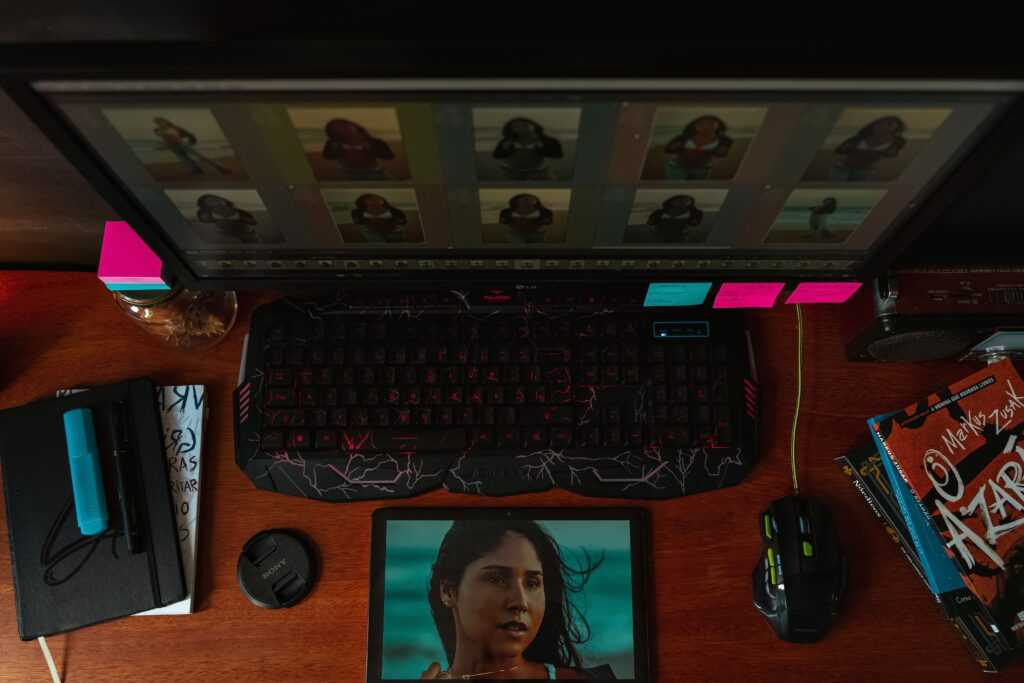
Let’s be honest. Photo editing’s always been kind of a grind. You needed technical know-how. A good creative eye. And a whole lot of patience. Removing unwanted objects? Swapping backgrounds? Fixing lighting or tiny details? That could mean juggling a bunch of tools. Plus super careful selections. Exhausting, right? Now generative AI is shaking all that up. You can just describe certain edits in plain words. No doing every single tweak by hand.
Here’s the deal. Modern AI editing systems can look at your image and read your instructions. Then they spit out a revised version. People call this instruction-based image editing. And recent research says it’s a big step forward. For the whole world of generative image tech, actually.
What Is AI-Powered Photo Editing?
So what’s AI-powered photo editing, really? It uses machine-learning models to understand your existing image. Then it changes certain parts based on what you tell it. You’re not stuck with just brushes, layers, masks, and sliders anymore. Nope. You just explain the change with a prompt. Easy.
Picture this. You wanna pull an object out of the background. Or replace a boring sky. Change the color of someone’s clothes. Or stretch the edges of a photo out wider. The system checks out the original visuals. Then it creates brand-new pixels. Ones that are meant to blend right into the scene.
That’s different from basic tweaks, by the way. Like bumping up brightness. Or changing contrast. Those old-school adjustments mostly shuffle pixels that are already there. Generative editing? It can actually create visual stuff that was never in the original photo. Pretty wild.
The Role of Natural-Language Instructions
Honestly? One of the biggest changes is using plain language to edit. You don’t need to know the fancy technical name of some editing function. Just ask for what you want.
For example, forget manually selecting a background and stacking a bunch of effects. Just describe the result you want. In one sentence. The AI reads your instruction. Then it tries to pull off the right visual change.
Research on instruction-based editing backs this up. Progress in large language models and vision-language models made this way more practical. Current systems are built more and more to link your written instructions with what’s actually in the image.
Common Uses of AI Image Editing
AI editing is handy for tons of everyday image jobs. Background tweaks are a big one. Got a photo shot somewhere super busy? You can potentially clean it up. Remove the distracting stuff. Or swap out parts of the surrounding scene.
Removing objects is another popular one. Some random item crashed your photo? A generative model can try to rebuild whatever was hiding behind it. Nice. Image expansion works kind of the same way. It creates extra content outside the original frame. So a tightly cropped photo can suddenly look wider.
There’s plenty more, too. Lighting changes. Color swaps. Creative styling. Restoring old images. Getting visuals ready for digital publishing. What you can actually do depends on the model, though. And the editing system you’re using.
Poking around all this? A Nano Banana 2.5 photo editing tool fits right into the bigger world of AI-assisted image manipulation. You work with generative models to make visual changes. Through workflows that are way more approachable.
Why Human Oversight Still Matters
Progress has been fast, sure. But AI photo editing doesn’t mean you can stop paying attention. Not even close. Generative systems can totally misread your instructions. Change stuff that was supposed to stay put. Or throw in details you never asked for.
And here’s a wake-up call. A 2026 study presented at WACV looked at over 83,000 real-world editing requests. Leading AI editors only nailed about one-third of them. Based on human ratings, that is. Yikes, right? The researchers also spotted trouble keeping people’s identity intact. Plus plenty of unwanted changes.
So what’s the lesson? Check AI results. Always. Don’t just treat them as finished work. Small visual mistakes can matter a lot. Especially in photos with faces or hands. Product labels. Signs. Or detailed architecture. Those sneaky little errors love hiding there.
Writing Better Editing Instructions
How good your edit turns out can depend a ton on your instructions. How clearly did you describe the change? A good instruction says what needs changing. And it makes clear which parts of the original should stay the same.
For example, “make this better” doesn’t help much. Not much to work with, right? Be specific instead. Point out the unwanted object. Where it is. And what should replace it. Throwing in details about lighting, perspective, color, or composition helps, too. The AI gets a better idea of what you’re after.
Don’t go overboard, though. Piling on instructions isn’t always a good thing. A short prompt with just the essentials? Often easier for a model to understand. Way easier than some long description full of clashing requirements.
AI Editing and Traditional Software
Is generative editing gonna replace regular editing software? Not really. The two actually work great together.
AI systems are handy for certain jobs. Coming up with alternatives. Clearing out distractions. Expanding images. Or knocking out time-consuming creative changes. Traditional editing still wins when you need exact control, though. Over individual pixels. Color values. Layers and masks. Typography. Or precise positioning.
For pro projects, here’s a smart workflow. Use AI to crank out a first version. Then polish it up by hand. You get the best of both. Automation and detailed control. Trust me, it works.
Privacy and Authenticity Considerations
AI editing brings up privacy questions, too. And questions about what’s actually real. So think about where your photos are getting processed. Especially if they’ve got private info. Or people you can recognize. Rules around uploaded images, storage, and model training? They can be totally different from one service to the next.
There’s another thing, too. It’s getting more important to tell simple touch-ups apart from big changes. An edited photo can look totally real. Even when key parts were generated, not shot by a camera. That’s where it gets shady. For journalism, documentation, research, and anywhere authenticity counts, you might wanna flag major changes. Just to be upfront.
The Future of AI Photo Editing
So where’s AI photo editing headed? Toward more natural interaction. More control. And better at keeping the original image intact. Recent research shows things are still moving fast. Diffusion models. Autoregressive approaches. Multimodal systems. Evaluation methods. And instruction-following techniques.
The tech will probably work best when automation and human creativity team up. AI can take a lot of the boring, mechanical work off your plate. But you’re still the one steering. You decide what the result should look like. You check if it’s accurate. And you make the final creative calls.
As these systems keep growing, knowing what they can and can’t do matters more and more. AI photo editing can make fancy visual edits way more accessible. But a few things still stay essential. Careful instructions. Quality checks. Privacy awareness. And a human eye watching over it all.

 Chadarren Maginnis writes the kind of financial planning essentials content that people actually send to each other. Not because it's flashy or controversial, but because it's the sort of thing where you read it and immediately think of three people who need to see it. Chadarren has a talent for identifying the questions that a lot of people have but haven't quite figured out how to articulate yet — and then answering them properly.
They covers a lot of ground: Financial Planning Essentials, Expert Financial Insights, Debt Reduction Strategies, and plenty of adjacent territory that doesn't always get treated with the same seriousness. The consistency across all of it is a certain kind of respect for the reader. Chadarren doesn't assume people are stupid, and they doesn't assume they know everything either. They writes for someone who is genuinely trying to figure something out — because that's usually who's actually reading. That assumption shapes everything from how they structures an explanation to how much background they includes before getting to the point.
Beyond the practical stuff, there's something in Chadarren's writing that reflects a real investment in the subject — not performed enthusiasm, but the kind of sustained interest that produces insight over time. They has been paying attention to financial planning essentials long enough that they notices things a more casual observer would miss. That depth shows up in the work in ways that are hard to fake.
Chadarren Maginnis writes the kind of financial planning essentials content that people actually send to each other. Not because it's flashy or controversial, but because it's the sort of thing where you read it and immediately think of three people who need to see it. Chadarren has a talent for identifying the questions that a lot of people have but haven't quite figured out how to articulate yet — and then answering them properly.
They covers a lot of ground: Financial Planning Essentials, Expert Financial Insights, Debt Reduction Strategies, and plenty of adjacent territory that doesn't always get treated with the same seriousness. The consistency across all of it is a certain kind of respect for the reader. Chadarren doesn't assume people are stupid, and they doesn't assume they know everything either. They writes for someone who is genuinely trying to figure something out — because that's usually who's actually reading. That assumption shapes everything from how they structures an explanation to how much background they includes before getting to the point.
Beyond the practical stuff, there's something in Chadarren's writing that reflects a real investment in the subject — not performed enthusiasm, but the kind of sustained interest that produces insight over time. They has been paying attention to financial planning essentials long enough that they notices things a more casual observer would miss. That depth shows up in the work in ways that are hard to fake.