

Why Free Expense Trackers Are Game Changers
If you’re a student juggling rent, a freelancer managing inconsistent income, or just someone trying to live with less, free expense tracker apps punch above their weight. No fees, no excuses just a simple way to stay on top of your money.
These tools make daily budgeting less of a chore. By logging your spending automatically or with minimal effort, they turn awareness into action. You’re not just seeing where your money goes you’re training yourself to think before you swipe. That shift alone can mean the difference between staying afloat and digging deeper into overdraft fees.
Manual tracking works if you have the time and discipline to keep up with it. But most people don’t. Free apps close that gap. They sync, sort, and show you the big picture without a spreadsheet or late night math. This makes it easier to bridge the gap between goals and reality, and adjust your spending before things get off track.
Bottom line: free doesn’t mean basic. For the right user, these trackers are lean, effective, and exactly what’s needed to build better financial habits.
What to Look for in a Free App
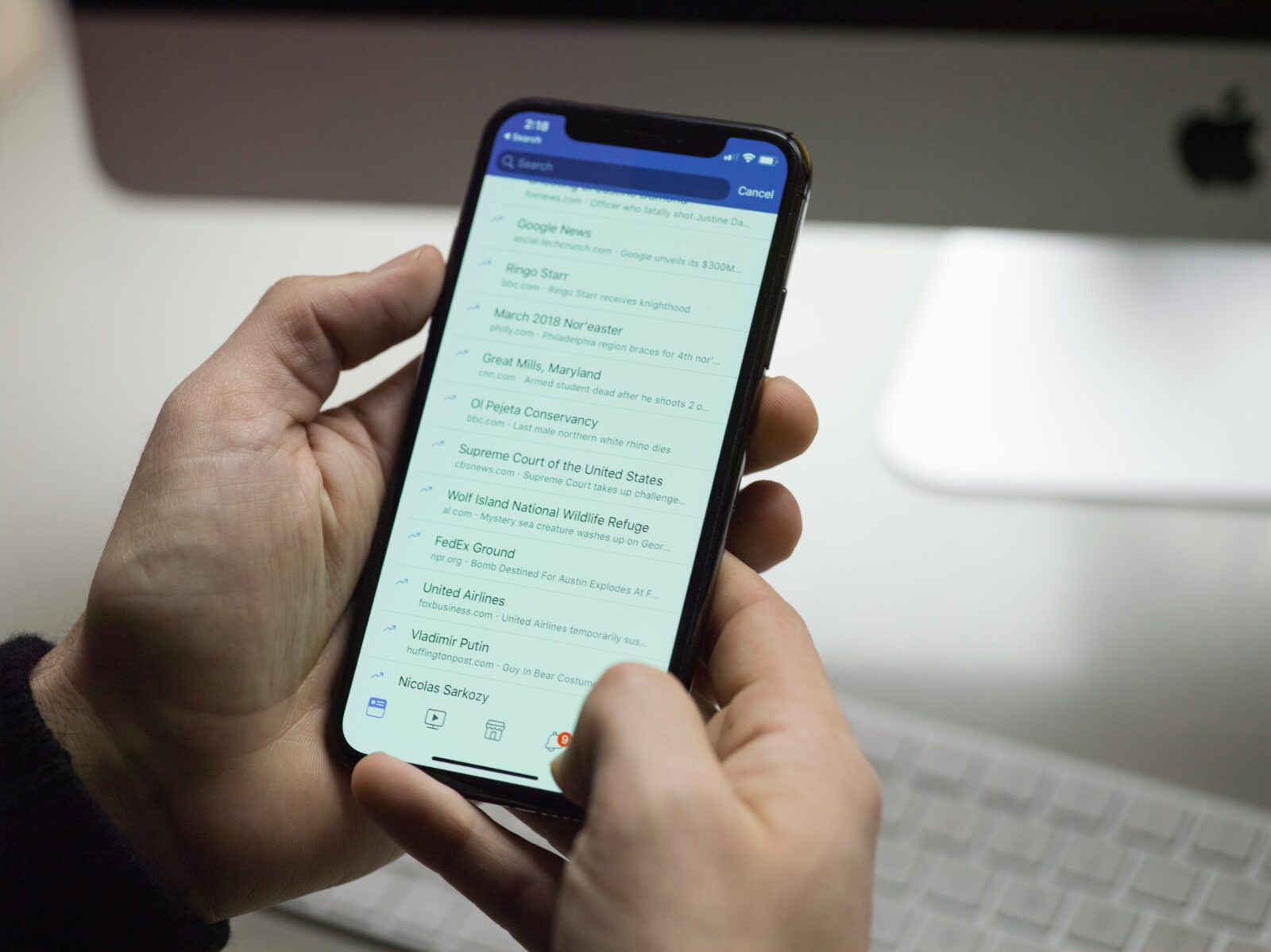
Not all free expense apps are worth your time. To get real value, focus on ones that handle the basics well.
At the top of the list: auto sync with your bank accounts. Manual entry gets old fast. The best apps pull transactions directly and sort them into categories you can actually use. Speaking of which category splitting is key. One grocery run might include snacks, cleaning supplies, and pet food. Good apps let you break that up so your budget stays honest. And then there’s budget alerts. Whether it’s a quiet nudge or a bold warning, you need a heads up before you overspend.
Beyond the essentials, look for extras that push your tracking a step further. Debt tracking helps if you’re actively paying things down. Shared budgets are perfect for roommates, couples, or families. And subscription reminders? Lifesavers. They catch the charges you forget about until you don’t.
Also, think about how you’ll use the app. Mobile first apps are great on the go, while strong desktop dashboards are better for those who like reviewing spending in chunks. Ideally, you want both to work smoothly.
Lastly, don’t skip over privacy and data security. You’re handing over financial details make sure the app has clear policies, multi factor authentication, and tight encryption. Free doesn’t mean careless.
PocketGuard
PocketGuard’s clean, clutter free layout makes it easy to focus on what matters: how much you can safely spend. The app connects to your bank accounts and automatically crunches the numbers to show what’s left after bills, goals, and necessities. That “In My Pocket” number is your financial green light.
It also tracks subscriptions, which is helpful in cutting off sneaky recurring charges. The budget view is straightforward less detail, more clarity. If you’re just starting or want zero fluff, it’s a strong pick.
The downside? Customization is limited in the free version. You won’t get deep category breakdowns unless you upgrade. But for a quick, no stress way to keep tabs on cash flow, PocketGuard holds its ground.
How to Get the Most Out of These Free Tools
Expense trackers only work if you use them daily is best. The goal isn’t perfection, it’s awareness. Logging your spending regularly gives you a real time picture of your habits, which beats playing catch up at the end of the month.
Pair this with a consistent money check in. Once a week or once a month, sit down and look at trends. Where’s your money actually going? Are you spending more than you’re comfortable with in any particular area? The more routine this becomes, the less overwhelming it gets.
Finally, ditch the fantasy budget. Don’t build categories based on how you wish you spent. Build them based on how you actually live takeout, gifts, pets, unexpected repairs. The closer your budget mirrors your reality, the more likely you’ll stick with it.
If you’re ready to move beyond just tracking and want to start optimizing your money flow, don’t go it alone. We’ve pulled together a set of no nonsense, easy to follow budget tracking guides to help you do just that. Whether you’re setting your first category or tweaking your app layout to actually match your lifestyle, these walkthroughs cut the fluff and get straight to what works. You’ll find real examples, method breakdowns, and smart setups based on common financial goals. Start where you are these guides are built to meet you there.

 Chadarren Maginnis writes the kind of financial planning essentials content that people actually send to each other. Not because it's flashy or controversial, but because it's the sort of thing where you read it and immediately think of three people who need to see it. Chadarren has a talent for identifying the questions that a lot of people have but haven't quite figured out how to articulate yet — and then answering them properly.
They covers a lot of ground: Financial Planning Essentials, Expert Financial Insights, Debt Reduction Strategies, and plenty of adjacent territory that doesn't always get treated with the same seriousness. The consistency across all of it is a certain kind of respect for the reader. Chadarren doesn't assume people are stupid, and they doesn't assume they know everything either. They writes for someone who is genuinely trying to figure something out — because that's usually who's actually reading. That assumption shapes everything from how they structures an explanation to how much background they includes before getting to the point.
Beyond the practical stuff, there's something in Chadarren's writing that reflects a real investment in the subject — not performed enthusiasm, but the kind of sustained interest that produces insight over time. They has been paying attention to financial planning essentials long enough that they notices things a more casual observer would miss. That depth shows up in the work in ways that are hard to fake.
Chadarren Maginnis writes the kind of financial planning essentials content that people actually send to each other. Not because it's flashy or controversial, but because it's the sort of thing where you read it and immediately think of three people who need to see it. Chadarren has a talent for identifying the questions that a lot of people have but haven't quite figured out how to articulate yet — and then answering them properly.
They covers a lot of ground: Financial Planning Essentials, Expert Financial Insights, Debt Reduction Strategies, and plenty of adjacent territory that doesn't always get treated with the same seriousness. The consistency across all of it is a certain kind of respect for the reader. Chadarren doesn't assume people are stupid, and they doesn't assume they know everything either. They writes for someone who is genuinely trying to figure something out — because that's usually who's actually reading. That assumption shapes everything from how they structures an explanation to how much background they includes before getting to the point.
Beyond the practical stuff, there's something in Chadarren's writing that reflects a real investment in the subject — not performed enthusiasm, but the kind of sustained interest that produces insight over time. They has been paying attention to financial planning essentials long enough that they notices things a more casual observer would miss. That depth shows up in the work in ways that are hard to fake.